



Digital document management is no longer just about keeping files organized. For many businesses, the bigger issue is what happens after a document is shared, downloaded, forwarded, or opened by someone outside the company.
A contract may begin inside a secure system, then move to a law firm, a vendor, a customer, or a consultant. A financial report may be sent to an external advisor. A product design file may be reviewed by a partner. In each case, the business still needs control, but traditional document storage often provides limited visibility once the file leaves its original environment.
That is why modern digital document management needs to include access control, tracking, and security after sharing.
Digital document management is the process of storing, organizing, securing, tracking, and managing electronic documents throughout their lifecycle.
A digital document management system helps teams move away from scattered folders, email attachments, local drives, and manual file handling. Instead, documents can be stored in a structured system where users can search, retrieve, share, update, and manage files more consistently.
At a basic level, digital document management helps answer questions like:
For low-risk internal documents, these capabilities may be enough. For sensitive files, the requirements are higher. Businesses also need to know whether the document can be copied, printed, downloaded, forwarded, or accessed by someone who should no longer have it.
Business documents move faster and farther than they used to.
Teams work across locations. Vendors and consultants need access to internal materials. Legal, finance, HR, healthcare, and compliance teams often share sensitive documents with people outside the organization. This makes document collaboration easier, but it also increases exposure.
Common examples include:
In each case, the document may be legitimate to share. The risk starts when the organization loses control after sharing. A recipient may forward the file. A downloaded copy may sit on an unmanaged device. A document may remain accessible after a project ends.
Secure digital document management helps reduce these gaps by making access, usage, and control part of the document lifecycle.
A digital document management system usually includes several core capabilities.
Centralized storage
Documents are stored in one controlled location instead of being spread across inboxes, desktops, and shared drives. This helps teams reduce duplication and improve retrieval.
Search and retrieval
Users can find documents by title, owner, date, category, keyword, or metadata. This matters when teams manage large volumes of contracts, policies, records, or case files.
Version control
Version control helps users identify the latest approved version of a document. It also reduces the risk of teams working from outdated files.
Permissions
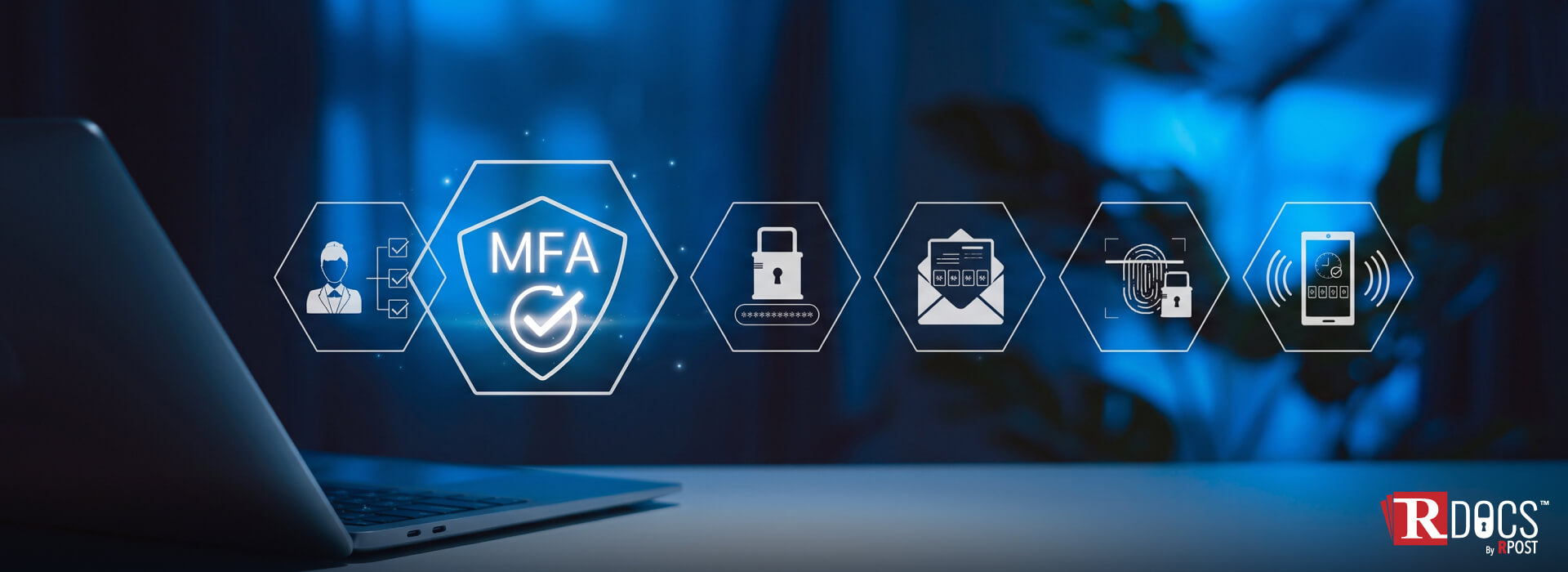
File access permissions define who can view, edit, download, share, or manage documents. This is one of the most important features for sensitive files.
Workflow support
Some systems support approvals, routing, review cycles, and task assignments. This helps teams manage document-based processes more consistently.
Audit trails
A document audit trail records key actions, such as uploads, edits, approvals, downloads, and access events. Audit trails are useful for internal governance, investigations, and compliance reviews.
These features are important, but they do not always solve the full security problem.
Many digital document management systems are strong at organizing files inside the platform. The challenge begins when files are exported, downloaded, emailed, or forwarded.
For example, a business may control access to a document inside its system. But once a user downloads it as a PDF and sends it to someone else, the original system may no longer control what happens next.
This creates several common gaps:
This is where document management and document security start to separate.
Traditional document management helps organize documents. Secure post-share document control helps protect documents after they move.
Security in digital document management should go beyond login access and storage permissions. Sensitive files often need controls that stay with the document after sharing.
This may include:
Post-share document control is especially useful when businesses share confidential documents with external parties. The goal is not to block collaboration. The goal is to give the organization a safer way to share files without losing visibility.
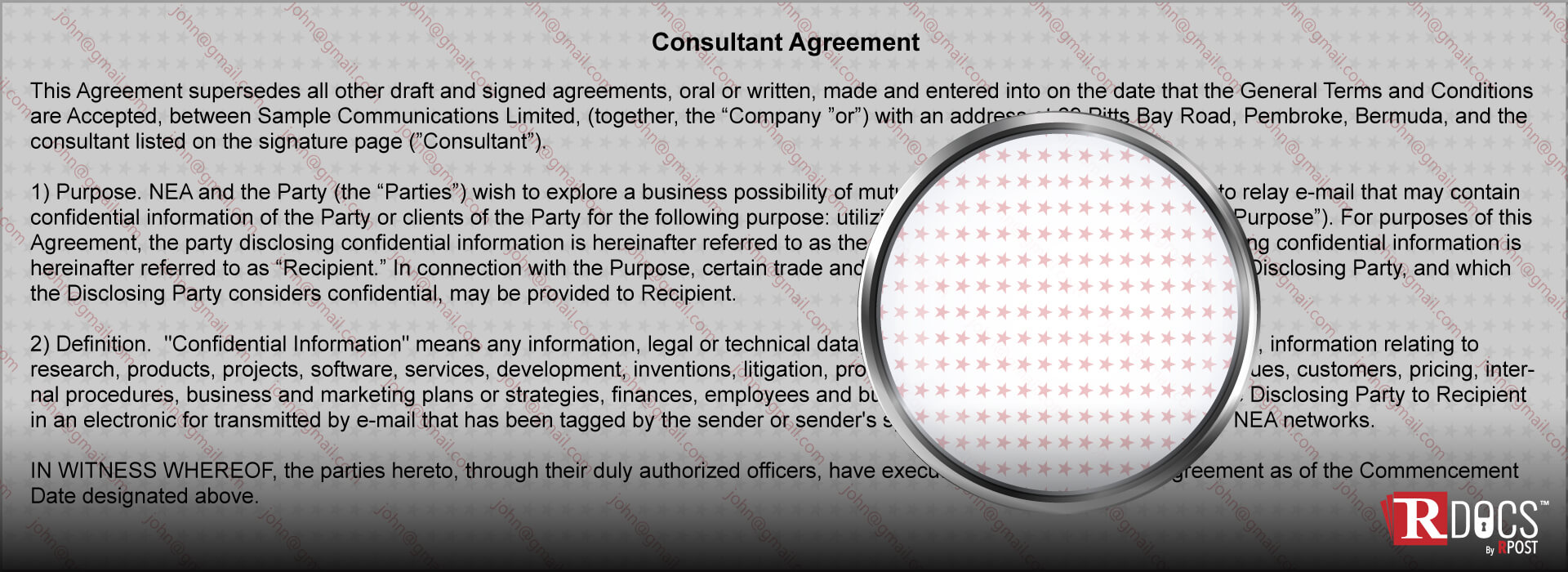
RDocs can fit into a secure digital document management strategy when documents need protection beyond storage and initial sharing.
Instead of treating the file as something control ends at delivery, RDocs supports the idea of persistent document security. This means sensitive documents can remain trackable and controlled after they are shared.
For teams that need secure document sharing, RDocs-style controls can help support actions such as restricting access, tracking document activity, applying file access permissions, and revoking access when needed.
This is useful for organizations that share sensitive content with customers, partners, vendors, legal teams, finance teams, or other external recipients.
The main point is simple: a digital document management system can help organize and manage documents, while rights-managed documents can help reduce exposure after those documents leave the original system.
A strong digital document management strategy should combine organization, governance, and security.
Classify documents by sensitivity
Not every file needs the same level of control. Public brochures, internal templates, contracts, financial records, HR files, and customer data should not be handled the same way.
Apply least-privilege access
Users should only have the access they need. This applies to internal users and external recipients.
Control external sharing
External sharing should be managed carefully, especially for confidential document sharing. Teams should know who received the file, what they can do with it, and when access should end.
Monitor document activity
Document tracking helps teams see whether sensitive files are being opened, shared, or accessed in unusual ways.
Keep audit records
Audit trails support accountability. They also help teams review what happened when a document is questioned later.
Plan for revocation
Access should not last forever by default. For sensitive files, businesses should be able to revoke document access when a project ends, a recipient changes, or risk increases.
Digital document management should help teams do more than store files neatly. It should help them manage how documents are accessed, used, shared, tracked, and protected.
As sensitive files move across employees, vendors, customers, advisors, and partners, businesses need controls that extend beyond the first share. That means document access control, activity tracking, file access permissions, and the ability to revoke access when needed.
RDocs helps support this more secure approach by adding control and visibility to documents after sharing.
To see how RDocs helps control, track, and protect documents even after they are shared, explore how it fits into your secure document management strategy.
October 29, 2026
October 13, 2026

September 01, 2026
August 13, 2026
July 10, 2026



 Blog
Blog